PLAYBOOK — AUTONOMOUS DESKTOP — 2026-06-17
Building your autonomous desktop layer: skills, routines, and the always-on assistant that actually works
An autonomous desktop layer is not a product you install — it is a configuration you version-control. The durable bet is capability-as-config: each skill is a plain-text file that tells the agent exactly how to do one repeatable job, in your voice, with your guardrails, and against your persistent business context. Skills load on demand, swap without code changes, travel across chat interfaces and code environments alike, and accumulate into a system that gets sharper the longer you run it. This playbook covers the three-folder co-work station, the DBS skill framework, local versus remote routines, MCP reach extension, outcome-first prompting, and every failure mode worth knowing before you build.
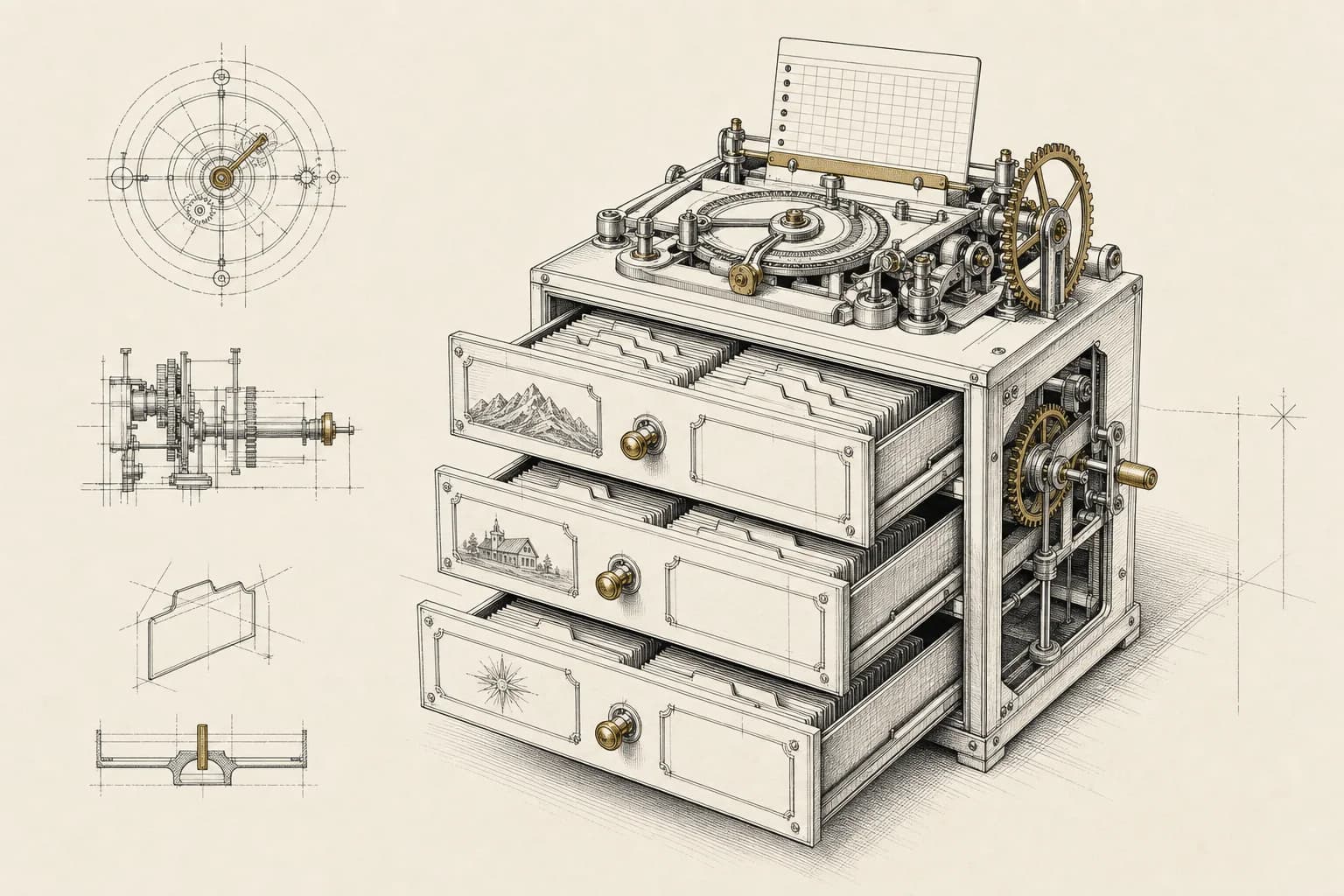
The autonomous desktop layer is not about having a faster assistant — it is about having a system that accumulates capability over time instead of resetting to zero every session. The key architectural decision is capability-as-config: write each skill as a plain-text file, version-control it, and let the agent load it on demand. That single decision makes your setup portable across any interface, swappable without a code change, and auditable by anyone who opens the folder.
CONTENTS
CH.01
Why does capability-as-config outperform hardcoded logic?
Every agent system faces the same entropy problem: over time, you add more instructions, the prompts get longer, the model starts hedging, and the outputs regress toward generic. Hardcoded logic — instructions baked directly into a single mega-prompt or a proprietary UI — collapses under that weight because you cannot version it, you cannot test one piece without running the whole thing, and you cannot hand it to a different interface without re-writing it.
Capability-as-config solves this in three ways.
First, portability. A skill file is a text file. It runs in a desktop agent, a code environment, a browser extension, or an API call — the interface changes, the skill does not. Operators who have invested months in prompt engineering on one platform and then watched it disappear in an update understand why this matters.
Second, cheap routing. A skill has a short metadata block at the top: a name and a one-sentence description. The agent reads that block first and decides whether to load the rest. This means loading several skills costs roughly the same as asking one question — the full instructions only enter the context window when they are relevant. Without this pattern, enabling many skills stacks token cost on every request whether or not those skills apply.
Third, composability. Skill files are independent units. You can update the writing skill without touching the research skill. You can enable three skills for one project and a different three for another. You can share a skill with a colleague without sharing anything else about your setup. That independence is what makes the system grow without becoming fragile.
The counterfactual is a prompt library — a collection of saved inputs that you paste manually. Prompt libraries are better than nothing. They are not a system. They do not route themselves, they do not persist business context, and they do not compound.
CH.02
How do you set up the three-folder co-work station?
Before building any skill, set up the workspace correctly. The foundational structure is three folders inside a single dedicated working directory.
context/ holds standing markdown files the agent reads automatically at the start of any session: a file describing your business and voice, a file of working preferences and guardrails, and any persistent reference material that should color every output. This folder eliminates the repetitive front-matter prompting that consumes the first ten minutes of every session. The context here is not a chat history — it is a curated, version-controlled document you maintain deliberately, like a brief you would hand to a new contractor.
projects/ holds active work: the raw inputs, research notes, drafts in progress. Each project can have its own subfolder. The agent reads from here, writes to here, and treats the folder as its working desk.
output/ holds finished deliverables. Keeping output separate from work-in-progress prevents the agent from treating a draft as a final artifact and prevents you from accidentally feeding a previous output back as a source.
Alongside the folder structure, add explicit guardrail instructions: the agent must confirm before deleting, overwriting, or renaming any file. This is not a trust problem — it is an operations discipline. An agent acting on a local filesystem can cause irreversible data loss in the same three seconds it produces a summary you love.
The deeper point this structure encodes: memory is local markdown, not cloud chat history. Cloud chat history is ephemeral, not searchable across sessions, not version-controlled, and not readable by a different agent or interface. Local markdown files are all of those things. The context/ folder is your agent's long-term memory.
CH.03
What goes inside a skill, and how does the DBS framework apply?
A skill folder has one required file and two optional layers. The required file is skill.md. The optional layers are a references/ subfolder and a scripts/ subfolder. Together these form the DBS structure.
Direction — skill.md
This is the skill's constitution. It opens with a metadata block (name, description, version, and optionally a list of tags that help the agent decide when to load it). Below the metadata come three sections: a step-by-step workflow (exactly how you want this job done, in order), rules (what the agent must and must not do), and the definition of done (explicit completion criteria the agent uses to know when to stop).
The definition of done is the most commonly omitted element, and its absence is the most common cause of disappointing output. Without it, the agent decides for itself when the job is complete — which means it stops at the easiest stopping point that still resembles a finished result. With it, you define the stopping point: "the output is a table with one row per item, a source URL for every figure, and a confidence flag on each row." The agent has to match that spec or keep going.
The workflow section is not a prompt — it is a procedure. Write it the way you would write a standard operating procedure for a new hire: numbered steps, concrete actions, explicit decision points ("if the source does not include a date, flag it rather than estimating"). The more specific the procedure, the more the output resembles something you would have written yourself.
Blueprints — references/
Static assets the workflow needs: brand voice guides, style samples, past posts that define the target quality bar, data files, lookup tables. These live in the references folder rather than inside skill.md because they change independently and because including large static assets in the main skill file wastes tokens every time the skill loads. The agent reads the relevant reference when the workflow calls for it, not before.
Solutions — scripts/
Code files for the parts of the job that natural language handles poorly: API calls, file format conversions, numerical calculations, structured data transformations. The agent generates these scripts on first use and saves them here. On subsequent runs it reuses what exists rather than regenerating. The effect is a skill that gets faster and more reliable over time — the first run builds the tooling; every subsequent run uses it.
What this three-layer structure produces at maturity: a skill that routes itself (metadata), follows a documented procedure (workflow), maintains voice and context (references), and executes reliably on structured subtasks (scripts). That is meaningfully different from a saved prompt.
CH.04
When should a routine run locally versus remotely?
A routine is a skill that runs on a schedule rather than on demand. The architectural decision that matters most is whether it runs locally or remotely, because the two modes have different uptime profiles, different resource implications, and different use cases.
Local routines run on your machine. The advantage is that they have full access to your filesystem, your local applications, your context folder, and your agent's full capability set. The disadvantage is that they require the machine to be on and the desktop application to be open. A local routine that checks your morning email and generates a briefing is useful. A local routine that is supposed to post to social media overnight is a routine that will skip most nights.
Local routines also draw from your usage allowance continuously. If you enable several and they run overnight, you may find your allowance depleted before your working day begins.
Remote routines run in a cloud environment independent of your machine. The machine can be off. Each run gets a fresh isolated environment, and credentials are stored in an environment variables panel rather than in the prompt or a local .env file. The trigger can be a schedule, an API call, or an external event such as a repository update.
The tradeoff is that remote routines do not have access to your local filesystem or your context folder unless you explicitly make that content available — for example, by keeping your context files in a repository the routine can clone. This extra step is worth doing: a remote routine that cannot read your persistent business context will produce generic output on every run, regardless of how well-written the skill is.
The sweet spot that works in practice: local routines for morning briefings and context-rich drafts that need file access; remote routines for scheduled publishing, monitoring, and any task that must survive overnight or a system restart.
The signal that a routine is worth keeping is not that it saves time on any individual run — it is that you stop thinking about the underlying task entirely. A morning briefing routine is working when you open it the way you open a newspaper, not the way you review a draft.
CH.05
How do MCP connectors and mobile delegation extend the system?
Skills and routines cover what the agent does with information it already has access to. MCP connectors extend what the agent can reach: email, calendar, cloud storage, project management tools, content platforms, design tools. Each connector adds both read and write access, and each can be configured with granular permissions — always allow, needs approval, or blocked — per action type.
The architectural principle for connectors is the same as for skills: grant the minimum access that makes the task possible. An agent that can read your email does not need to send email; add send access only when you have a tested routine that uses it correctly. Connector permissions accumulate silently — auditing them quarterly is a concrete operational habit worth building.
Mobile delegation inverts the usual workflow model. Instead of sitting at a desktop and directing the agent, you send a task from your phone — a short message describing the outcome you want — and the desktop processes it while you are elsewhere. The result arrives as a notification when it is done. This pattern is most useful for tasks with a clear output (produce a draft, pull a report, run a research query) and less useful for tasks that require back-and-forth iteration.
The precondition for mobile delegation to work reliably is a well-specified skill already in place. Sending a vague outcome prompt to an agent without a skill loaded produces a vague result. Sending a specific outcome prompt that matches a well-defined skill produces a deliverable.
CH.06
What does outcome-first prompting look like in practice?
The most common prompting mistake when moving from a chat assistant to a file-acting desktop agent is carrying over task-first language. Task-first language describes steps: "open the PDF, extract the line items, calculate the totals, format as a table." This works for a chat assistant because you are guiding a conversation. It fails for an autonomous agent because you are micromanaging the execution path, which means the agent cannot adapt when a step fails or the input differs from what you expected.
Outcome-first language describes the destination and the rails: "produce a table of all line items with their dates, amounts, and categories; flag any line item missing a category; save it as a CSV in output/." The agent plans the steps. If the PDF has an unexpected structure, it adapts. If a step fails, it tries an alternative. The output specification is your quality gate, not the procedure.
The concrete shift in practice:
- Task-first: "Read each receipt file and add up the totals."
- Outcome-first: "Produce a single summary spreadsheet with one row per receipt — vendor, date, amount, currency — and a total row at the bottom. If a field is missing or illegible, leave the cell blank and add a 'needs review' flag. Save to output/receipts-summary.csv."
The second prompt produces a usable deliverable. The first produces a number.
Outcome-first prompting pairs directly with the definition of done in skill.md. If the skill is well-written, your runtime prompts become shorter over time — you describe the destination in one sentence and the skill fills in the procedure and the completion criteria.
CH.07
How do you measure whether a skill is actually working?
A skill progresses through recognizable stages. Knowing what good looks like at each stage prevents premature optimization and helps you diagnose whether a skill is actually working.
Stage 1 — Metadata routing works. You can ask the agent "do you know how to write a client brief?" and it answers correctly based on the skill description without reading the full skill.md. This confirms the metadata block is readable and specific enough to route correctly. Most skills fail this test because the description is either too vague ("handles writing tasks") or too long to parse quickly.
Stage 2 — The workflow runs end-to-end on real input. You give the skill a real example — not a constructed test case — and it produces output that follows all the numbered steps. Errors here are almost always in the procedure: a step that assumes input the agent does not have, or a rule that contradicts an earlier step. Fix these by running the skill on several different real inputs and noting every point where the output diverges from what you expected.
Stage 3 — References are loaded correctly. The agent applies the style samples and voice guides without being reminded. If outputs are still generic at this stage, the references folder is either missing or the workflow does not explicitly call for reading it.
Stage 4 — Scripts execute reliably. If the skill includes computational or API-dependent steps, those scripts run without modification on different inputs. This stage is where the skill becomes genuinely autonomous — you are no longer a required step in the process.
A skill that passes all four stages can be promoted to a routine. A skill that stalls at stage 2 or 3 needs more work on the workflow and references before scheduling it.
CH.08
How do you verify the system is working, and what does drift look like?
The primary signal that the system is working is specificity: outputs contain your business context without being prompted. If the agent produces output that references your industry, your typical client situation, your known constraints, or your preferred format without you restating those things in the request, the context folder and the persistent memory layer are doing their job.
The primary signal that the system is drifting is genericness: outputs that could have been produced by anyone who sent the same task description. Generic output almost always traces to one of three causes: the context folder is not being read (check the skill's workflow steps), the skill's definition of done is absent or vague, or too many skills are loaded simultaneously and the relevant context is being diluted.
For routines, verification is different: does the scheduled output arrive, and is it usable without edits? Track the edit rate over the first set of runs. A routine that requires edits on more than roughly one in five outputs is not yet stable enough to trust unsupervised. Reduce scope or tighten the skill before removing human review.
The compliance and audit argument for running heavy logic in an orchestration layer rather than chaining skills is real and worth applying before the need becomes urgent. An agent skill running on a single workstation has no execution history, no audit log, and no replay capability. A dedicated workflow tool has all three. When a client or a regulator asks "how was this produced?", the answer "my desktop agent ran a skill" is not an audit trail. Skills live on one machine; execution history lives in a tool built for it.
CH.09
What are the most common failure modes?
Over-loading skills. Beyond a modest number of enabled skills, the agent's routing decisions become less reliable and the token overhead of loading metadata blocks adds up across every request. The practical approach is a core set of skills covering your highest-frequency work, with the rest available to load manually when needed. More is not better.
Vague outcome prompts. The most common source of disappointing autonomous output is a prompt that describes activity rather than outcome: "help me research competitors" versus "produce a one-page comparison of five competitors on pricing, key features, and target audience; include a source URL for each data point; save to output/competitor-map.md." The first prompt produces a conversation. The second produces a document.
Local-routine uptime dependency. Any routine that must complete during a window when your machine might be off or the desktop application might be closed will fail silently. The fix is either to migrate those routines to remote execution or to accept that they require the machine to be running and schedule accordingly. Silent failure is worse than no automation because it creates the false belief that a task was handled when it was not.
Skills that are prompt bundles rather than capability configs. A skill that is just a long prompt pasted into a markdown file is a saved prompt with extra steps — it has no workflow structure, no definition of done, no references, no scripts. It will not route correctly, will not improve over time, and will produce the same quality as a manually-typed prompt. The test: if removing the step-by-step workflow section makes no difference to the output, the skill is a prompt bundle.
The intermediate plateau. This applies equally to skills and to the operators who build them: the work stalls when you only deploy skills for simple tasks. Skills compound when you apply them to complex, multi-stage work — research pipelines, client deliverable assembly, multi-platform distribution. The harder the task, the more the structure of a well-built skill pays off. Build the easy skills first to learn the format, then move to the hard ones.
Missing persistent business context. This is the single most common cause of an agent system that looks productive but produces generic output. The context layer — the files in context/ that describe your business, your voice, your constraints, your typical client situation — is what separates an agent that produces usable work from one that produces plausible-sounding work that needs complete rewriting. Without it, you are running a capable general-purpose model on general-purpose inputs. With it, you are running a trained specialist on familiar territory. The gap in output quality is not small.
CH.10
How does the memory layer compound over time?
The ambient capture to local vault to agent pipeline is the most durable architecture for building a system that improves over time rather than plateauing. The three components are independent and can be assembled gradually.
Ambient capture means collecting business context continuously rather than writing it down deliberately: notes from client calls, decisions made, constraints discovered, voice memos, key passages from research. The capture tool does not matter as much as the habit — the goal is that useful business context ends up in machine-readable files rather than staying in your head or a private notebook.
The local vault is a directory of markdown files — organized, version-controlled, searchable. Every significant decision, client constraint, project context, and voice guideline lives here. Agents read it. You maintain it. It does not depend on any single platform's continued existence.
The agent with filesystem access reads the vault on every prompt that requires business context. This is not complex retrieval engineering — it is simpler than that. The agent opens the relevant files, reads them, and applies what it finds. The technical requirement is minimal: a file access permission and a skill that tells the agent which files to read for which task types.
The compounding effect: every time you add a new constraint to the vault, every future task that reads that vault benefits automatically. Every time you refine a voice guideline, every future output produced under that guideline improves. The system accumulates context the way a good employee accumulates institutional knowledge — not all at once, but continuously, session over session, until the gap between what the agent knows and what a newcomer would know is large enough to be a real capability advantage.
That is the bet behind the autonomous desktop layer. Not that any one task gets done faster today, but that the system that does those tasks gets demonstrably better every week — because the intelligence it needs is written down, version-controlled, and always available to load.
No comments yet — start the conversation.
Sign in to join the discussion — it's free.